> ## Documentation Index
> Fetch the complete documentation index at: https://docs.mindsdb.com/llms.txt
> Use this file to discover all available pages before exploring further.
# MindsDB, an AI Data Solution
MindsDB enables humans, AI, agents, and applications to get highly accurate answers across sprawled and large scale data sources.
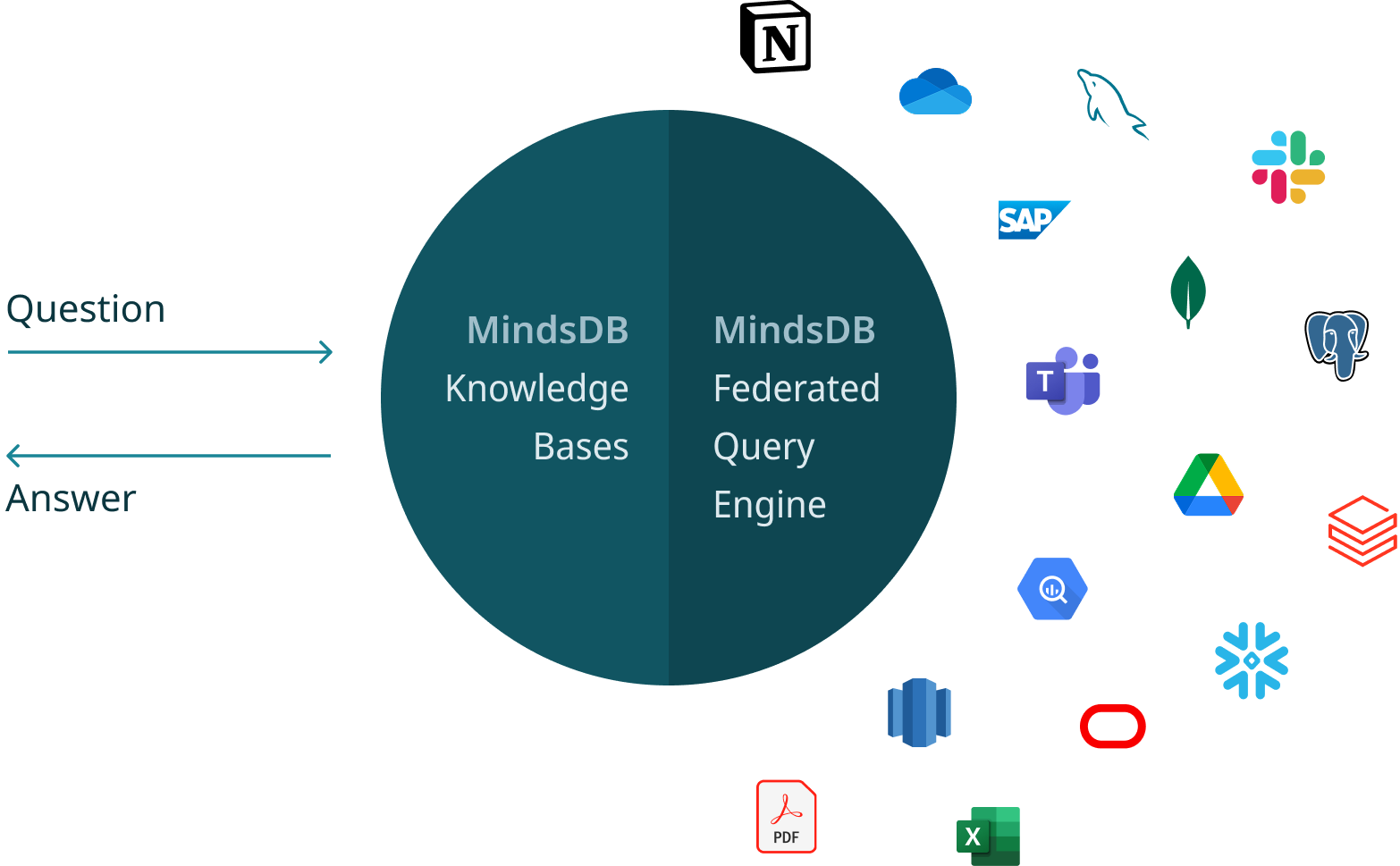
## Core Philosophy
MindsDB is built around three fundamental capabilities that form the foundation of MindsDB, enabling seamless integration, organization, and utilization of data.
Connect data from [hundreds of data sources](/integrations/data-overview) that integrate with MindsDB, including databases, data warehouses, applications, and vector databases.
Learn more [here](/mindsdb-connect).
Unify and organize data from one or multiple (structured and unstructured) data sources, by creating
[knowledge bases](/mindsdb_sql/knowledge_bases/overview), [views](/mindsdb_sql/sql/create/view) and [jobs](/mindsdb_sql/sql/create/jobs).
Learn more [here](/mindsdb-unify).
Generate accurate, context-aware responses from unified data using [agents](/mindsdb_sql/agents/agent) or [MCP API](/mcp/overview), making insights easily accessible across applications and teams.
Learn more [here](/mindsdb-respond).
## Install MindsDB
MindsDB is an open-source server that can be deployed anywhere, including local machines and clouds, and customized to fit the purpose.
* Use [MindsDB via Docker Desktop](/setup/self-hosted/docker-desktop). This is the fastest and recommended way to get started.
* Use [MindsDB via Docker](/setup/self-hosted/docker). This provides greater flexibility in customizing the MindsDB instance by rebuilding Docker images.
* Use [MindsDB via AWS Marketplace](/setup/cloud/aws-marketplace). This enables running MindsDB in cloud.
* Use [MindsDB via PyPI](/contribute/install). This option enables contributions to MindsDB.